
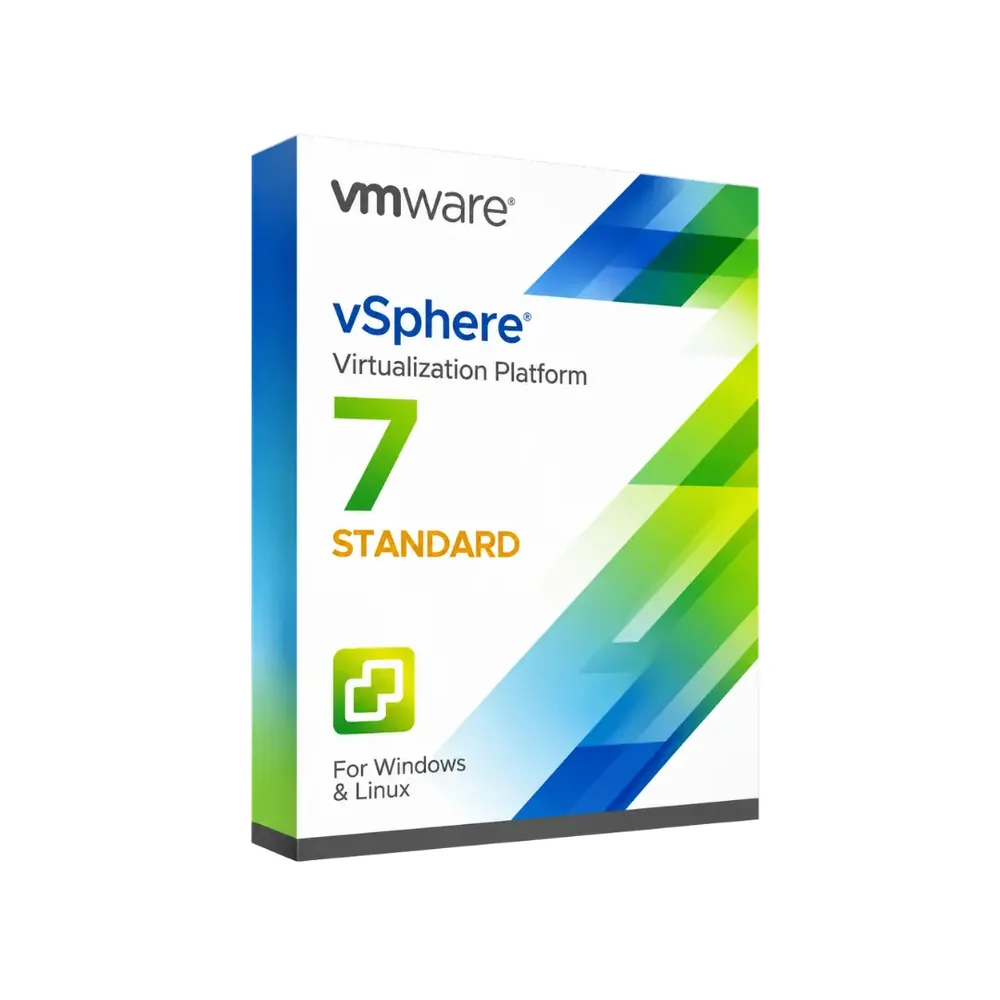
VMware vSphere 7 Standard
122,99 zł 171,99 zł
VMware vSphere 7 Standard
Dostawa e-mailem, zwykle w ciągu kilku minut od płatności
Najważniejsze funkcje
Buy VMware vSphere 7 Standard License Key on SuperKeyStore: original product key, free technical support and a replacement-or-refund guarantee for faulty keys. Consolidate server workloads on ESXi 7.0 hosts, move running VMs with vMotion and restart them automatically with High Availability. Delivered by email, usually within minutes of payment.
Buy VMware vSphere 7 Standard
You get a VMware vSphere 7 Standard license key, the download link and activation steps by email. VMware vSphere 7 Standard is the Standard edition of VMware’s vSphere 7 server virtualization platform for running and managing virtual machines on VMware ESXi 7.0 hosts. No box or DVD is shipped.
| Szczegół | Wartość |
|---|---|
| Produkt | VMware vSphere 7 Standard |
| Producent | VMware |
| Kategoria | Wirtualizacja |
| Dostawa | License key and download link by email |
What does VMware vSphere 7 Standard do?
VMware vSphere 7 Standard runs several virtual machines on each physical server. It uses the VMware ESXi 7.0 hypervisor. Businesses combine many workloads on fewer machines, which lowers hardware and energy costs. The license is available for 1, 5 or 10 devices.
What are the main features of vSphere 7 Standard?
vSphere 7 Standard offers the core tools for stable server virtualization. These are the key features:
- ESXi 7.0: the hypervisor that hosts the virtual machines.
- vMotion: moves running virtual machines to another host without interruption.
- High Availability: restarts affected virtual machines when a host fails.
- Storage vMotion: relocates virtual disks while the machine keeps running.
- Resource control: assigns CPU, memory and storage to each virtual machine.
When should you choose vSphere 7 instead of vSphere 8?
Choose vSphere 7 when your servers already run ESXi 7.0 or your hardware is not supported by ESXi 8.0. Older servers and existing installations often stay on version 7. New projects on current hardware usually use VMware vSphere 8 Standard, which runs on ESXi 8.0.
Which license size do you need?
The license size depends on how many devices you want to cover. The options are:
| Option | Typical use |
|---|---|
| 1 urządzenie | A single host in a small office |
| 5 urządzeń | A small cluster |
| 10 urządzeń | A larger environment with several hosts |
Other virtualization software is listed in the Wirtualizacja category.
Why buy VMware vSphere 7 Standard from SuperKeyStore?
Buying VMware vSphere 7 Standard at SuperKeyStore includes:
- Original license: an original VMware vSphere 7 Standard license key, activated through VMware’s official activation.
- Email delivery: the license key and the official download link arrive by email, usually within minutes of payment (some orders get a security check of up to 24 hours).
- Free technical support: our team helps by email with installation and activation ([email protected]).
- Wymiana lub zwrot pieniędzy: if the key does not work, you get a working key or your money back, as set out in our Polityka zwrotów.
How do you redeem your VMware vSphere 7 Standard key?
You redeem the key in a few steps after the order email arrives. The redemption guide for VMware vSphere 7 Standard is:
- Download VMware Workstation Pro with the official link in your order email.
- Run the installer on your Windows PC.
- Enter your license key during installation, or later under Help > Enter a License Key.
Your key also stays in your order email and under Moje konto.
Wymagania systemowe
| System operacyjny | Windows 11 or Windows 10 (64-bit); older versions such as Workstation 15 also run on earlier Windows |
|---|---|
| Procesor | 64-bit x86 processor (2011 or later) with Intel VT-x or AMD-V |
| Memory RAM | 4 GB minimum (8 GB or more recommended) |
| Miejsce na dysku | 1.5 GB plus space for your virtual machines |
| Internet | Required for download and activation |
Pobieranie i aktywacja
Download VMware vSphere 7 Standard with SuperKeyStore
Buying VMware vSphere 7 Standard takes a minute: add it to your cart, pay through our secure, encrypted checkout and you receive your product key and the official download link by email, usually within minutes. Everything you need is in your order email, together with these instructions.
How to install and activate VMware vSphere 7 Standard
- Download VMware Workstation Pro with the official link in your order email.
- Run the installer on your Windows PC.
- Enter your license key during installation, or later under Help > Enter a License Key.
Stuck at any step? Email [email protected] with your order number and a screenshot. Our support is free, and if a key does not work we send a replacement or refund you, as set out in our Polityka zwrotów.
Why choose VMware vSphere 7 Standard
VMware Workstation Pro is a desktop virtualization software for IT professionals, developers, testers and students. Highlights: Run Windows, Linux and other operating systems side by side; Snapshots and clones to test safely and roll back; Virtual networking for complex lab setups.
More software at SuperKeyStore
Popular with this product: Windows 11 Pro, Office 2024 Professional Plus, Microsoft 365 Personal. Browse all antivirus software i money-saving bundles.
Dostawa cyfrowa
All our products are delivered digitally by email: no shipping costs, no waiting for a parcel and no packaging waste. Your key is stored in your order email and, if you created one, in your account, so you can find it again at any time.
FAQ
Is VMware Workstation Pro a subscription?
No. It is a one-time purchase: you pay once and keep using the software.
Which operating system does it run on?
This edition runs on Windows. It does not run on macOS; choose the matching edition for another system.
On how many computers can I use it?
The license is for 1 user. Contact us before buying if you need licenses for several people.
Where do I download the software?
From the official VMware website or the official link in your order email. The Download & Activation tab explains every step.
Do I need an internet connection?
Yes, to download and activate the software.
Kiedy otrzymam klucz?
By email, usually within minutes of payment. Some orders go through a short security check that can take up to 24 hours. Please check your spam folder too.
Co zrobić, jeśli klucz nie działa?
Email us your order number and a screenshot of the error. We send a replacement or refund you, as described in our Polityka zwrotów.
Masz więcej pytań? Zobacz FAQ, Polityka zwrotów lub skontaktuj się z nami.
- Bezpłatna pomocE-mailem
- Szybka dostawaZwykle w ciągu kilku minut
- Bezpieczne płatnościSzyfrowana płatność
- Licencje cyfroweOficjalna aktywacja
- Wadliwy klucz?Wymiana lub zwrot pieniędzy
Wybrane dla Ciebie
Zobacz wszystko Parallels Desktop 27 Pro Mac Poprzednia cena: 737,99 zł.540,99 złAktualna cena: 540,99 zł.+ Dodaj
 VMware Workstation Pro 16 for Windows294,99 zł+ Dodaj
 Parallels Desktop 20 Pro Edition Mac Poprzednia cena: 786,99 zł.491,99 złAktualna cena: 491,99 zł.+ Dodaj
 Vmware vRealize Network Insight149,99 zł+ Dodaj
 VMware Thinapp for Application Virtualization Poprzednia cena: 294,99 zł.193,99 złAktualna cena: 193,99 zł.+ Dodaj
Opinie
Nie ma jeszcze opinii.