
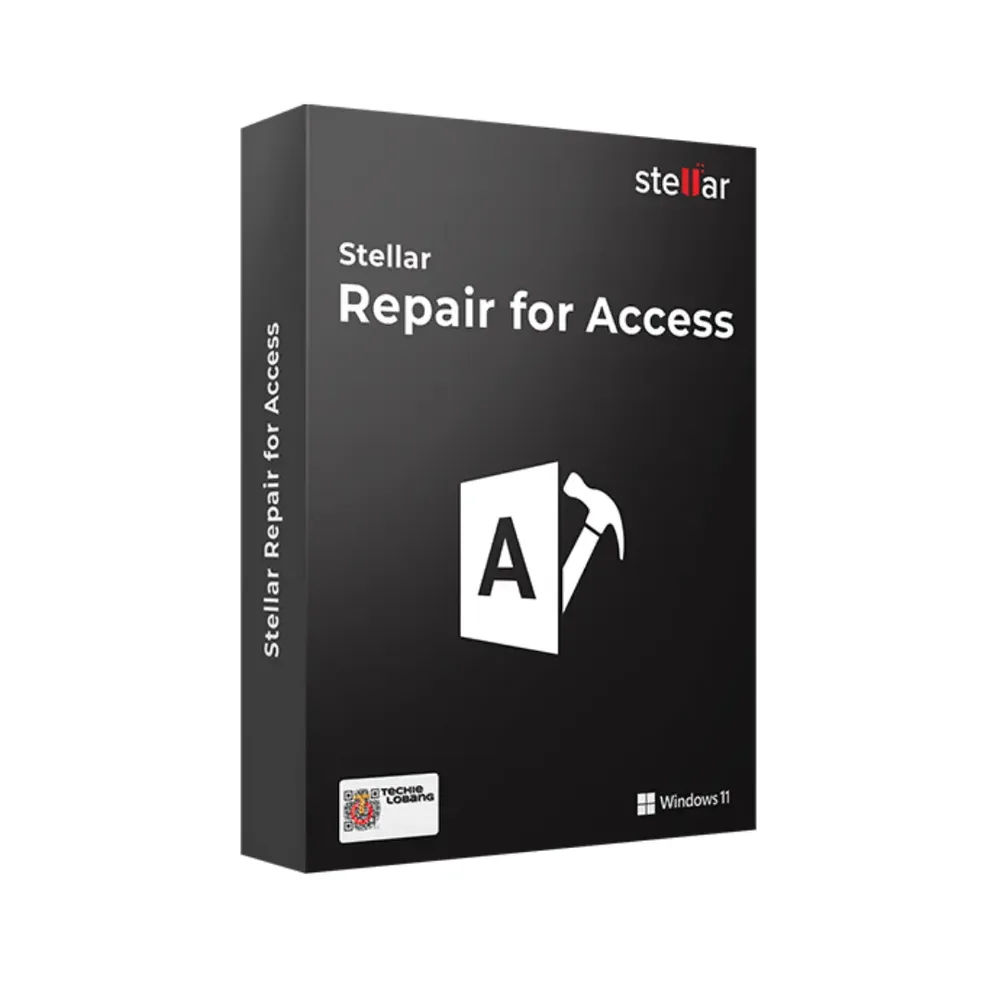
Stellar Repair for Access
€566.99
Stellar Repair for Access
In stock
Delivered by email, usually within minutes of payment
Key Features
Buy Stellar Repair for Access License Key on SuperKeyStore: original product key, free technical support and a replacement-or-refund guarantee for faulty keys. Repairs damaged Access MDB and ACCDB files and recovers tables, queries, indexes and relationships with a preview before saving. Delivered by email, usually within minutes of payment.
Buy Stellar Repair for Access
You get a Stellar Repair for Access license key, the download link and activation steps by email. Stellar Repair for Access is a Windows tool from Stellar that repairs corrupted Microsoft Access database files and recovers tables, queries, indexes and relationships. No box or DVD is shipped.
| Detail | Value |
|---|---|
| Product | Stellar Repair for Access |
| Developer | Stellar |
| Category | Backup & Data Recovery |
| Delivery | License key and download link by email |
What does Stellar Repair for Access do?
Stellar Repair for Access repairs corrupted or damaged Microsoft Access databases. It runs on Windows. It restores the database objects so the file can be used again without a manual rebuild. This license covers one device for one year.
What are the main features of Stellar Repair for Access?
The software repairs the database file and restores its objects. The main features are:
- Database repair: fixes damaged Access files and makes the data usable again.
- Object recovery: restores tables, queries, indexes and relationships.
- Preview: shows the recoverable content before saving.
- Selective recovery: lets users choose which objects to restore.
- New database: saves the repaired data to a fresh Access file.
Which file formats does Stellar Repair for Access support?
The software supports the MDB and ACCDB formats of Microsoft Access. MDB is the format of Access 2003 and older. ACCDB is the format of Access 2007 and newer. The tool therefore works with both old and current databases.
What is the difference between Stellar Repair for Access and other Stellar repair tools?
Each Stellar repair tool targets one file type, and the toolkits combine several. The table compares related products:
| Product | Repairs |
|---|---|
| Stellar Repair for Access | Access databases (MDB, ACCDB) |
| Stellar Repair for Excel | Excel workbooks |
| Stellar Toolkit for File Repair | Word, Excel, PowerPoint and PDF files |
Users with damaged spreadsheets need Stellar Repair for Excel instead. The Access tool suits database administrators, IT teams and businesses that depend on Access data. More tools are in the Backup & Data Recovery category.
Why buy Stellar Repair for Access from SuperKeyStore?
Buying Stellar Repair for Access at SuperKeyStore includes:
- Original license: an original Stellar Repair for Access license key, activated through Stellar’s official activation.
- Email delivery: the license key and the official download link arrive by email, usually within minutes of payment (some orders get a security check of up to 24 hours).
- Free technical support: our team helps by email with installation and activation ([email protected]).
- Replacement or refund: if the key does not work, you get a working key or your money back, as set out in our Refund Policy.
How do you redeem your Stellar Repair for Access key?
You redeem the key in a few steps after the order email arrives. The redemption guide for Stellar Repair for Access is:
- Open your order email, download the software with the official link and enter your license key when asked.
Your key also stays in your order email and under My account.
Download & Activation
Download Stellar Repair for Access with SuperKeyStore
Buying Stellar Repair for Access takes a minute: add it to your cart, pay through our secure, encrypted checkout and you receive your product key and the official download link by email, usually within minutes. Everything you need is in your order email, together with these instructions.
How to install and activate Stellar Repair for Access
- Open your order email, download the software with the official link and enter your license key when asked.
Stuck at any step? Email [email protected] with your order number and a screenshot. Our support is free, and if a key does not work we send a replacement or refund you, as set out in our Refund Policy.
Why choose Stellar Repair for Access
Stellar Repair for Access is delivered digitally and ready to use within minutes.
More software at SuperKeyStore
Popular with this product: Windows 11 Pro, Office 2024 Professional Plus, Microsoft 365 Personal. Browse all antivirus software and money-saving bundles.
Digital delivery
All our products are delivered digitally by email: no shipping costs, no waiting for a parcel and no packaging waste. Your key is stored in your order email and, if you created one, in your account, so you can find it again at any time.
FAQ
Is this a genuine license?
Yes. You receive a genuine license key with the official download link by email.
How fast will I receive my key?
By email, usually within minutes of payment. Some orders go through a short security check that can take up to 24 hours. Please check your spam folder too.
What if my key does not work?
Email us your order number and a screenshot of the error. We send a replacement or refund you, as described in our Refund Policy.
More questions? See our FAQ, Refund Policy or contact us.
- Free supportBy email
- Instant deliveryKey in minutes
- Secure paymentsEncrypted checkout
- Genuine licensesOfficial activation
- Working-key guaranteeReplacement or refund
Chosen for you
View all Acronis True Image Essentials Original price was: €219.99.€197.99Current price is: €197.99.+ Add
 Stellar Converter for OLM Standard€223.99+ Add
 Stellar Data Recovery for iPhone Standard Original price was: €78.98.€66.98Current price is: €66.98.+ Add
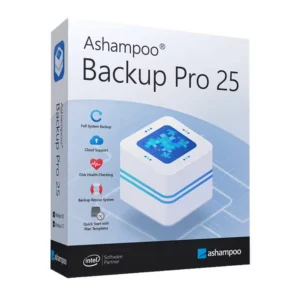 Ashampoo Backup Pro 25 Original price was: €149.99.€96.99Current price is: €96.99.+ Add
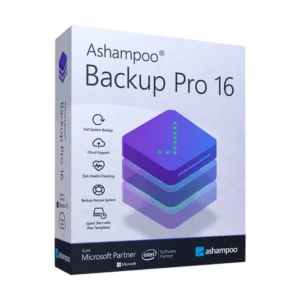 Ashampoo Backup Pro 16 Original price was: €149.99.€83.99Current price is: €83.99.+ Add
Reviews
There are no reviews yet.