

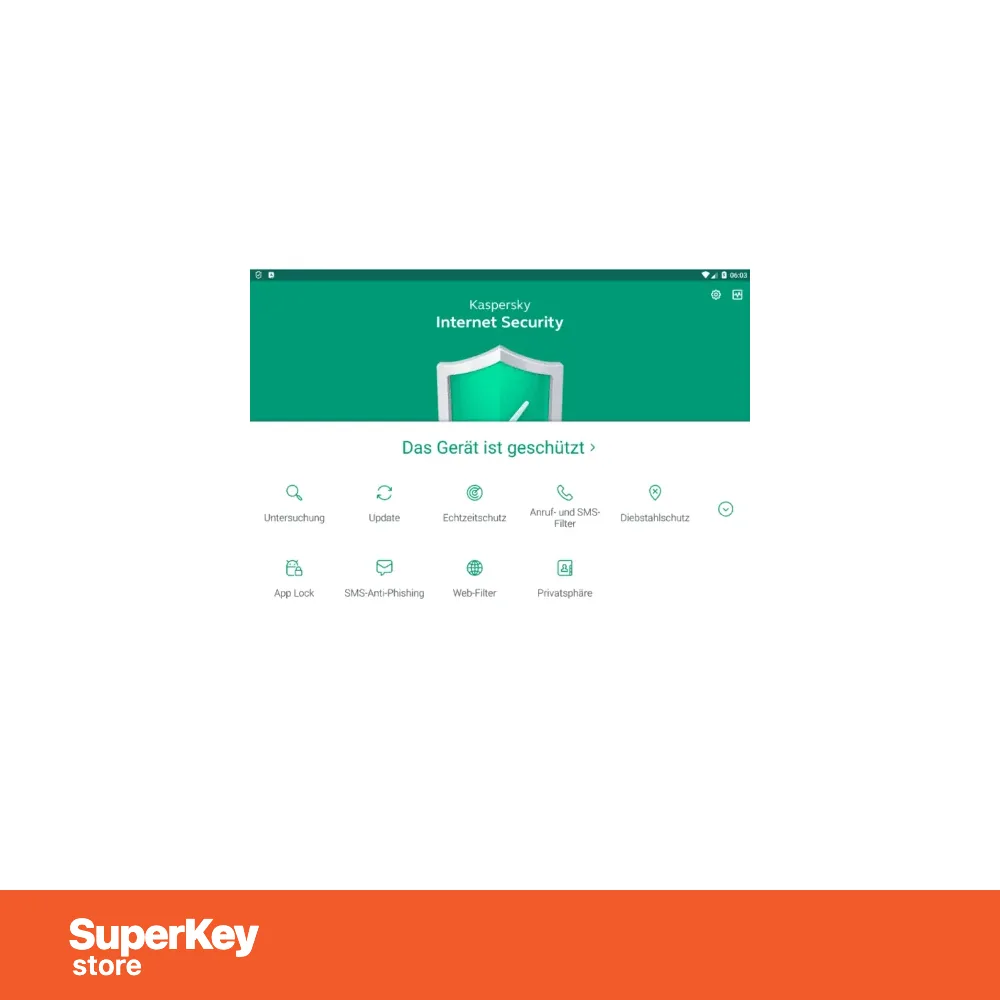
Kaspersky Internet Security 2026
€20.98
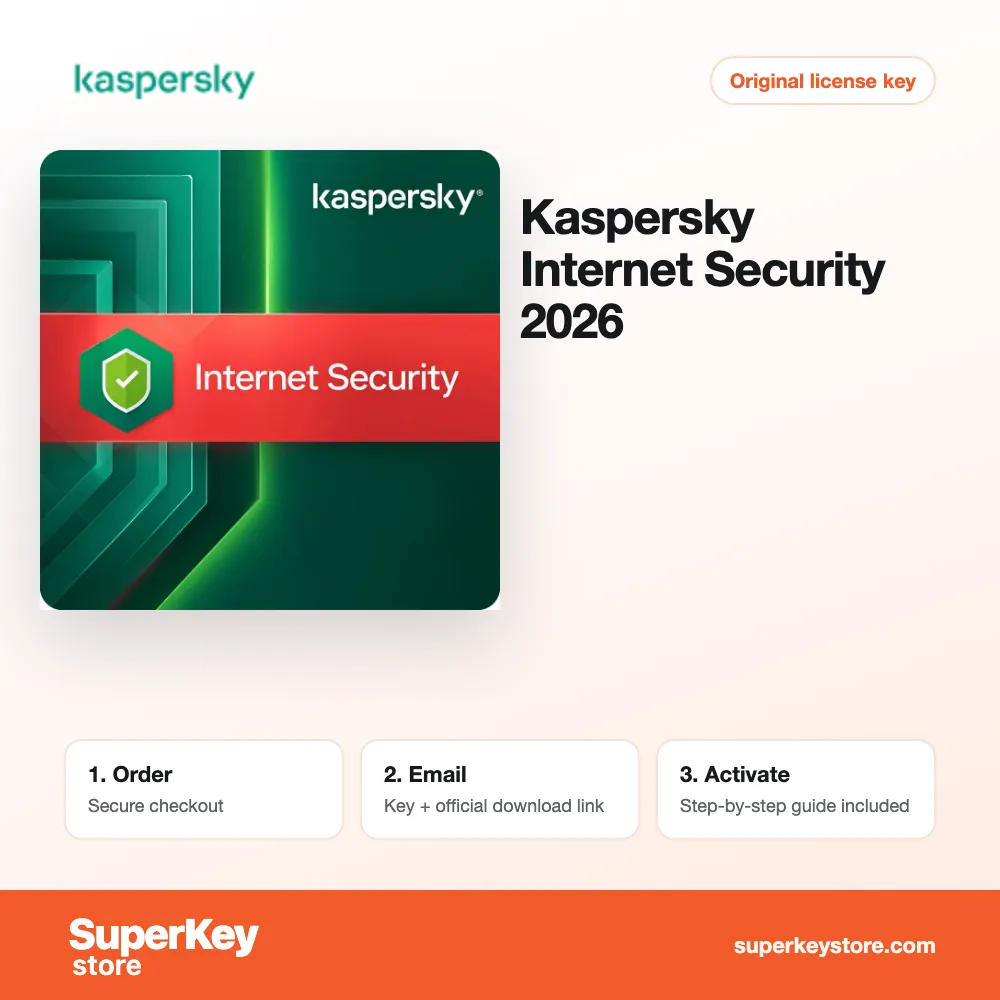
Kaspersky Internet Security 2026
In stock
Delivered by email, usually within minutes of payment
Key Features
Buy Kaspersky Internet Security 2026 License Key on SuperKeyStore: original product key, free technical support and a replacement-or-refund guarantee for faulty keys. Antivirus, Safe Money, Secure Keyboard, a password manager and Safe Kids parental controls for PC, Mac and Android. Delivered by email, usually within minutes of payment.
Buy Kaspersky Internet Security 2026
You get a Kaspersky Internet Security 2026 license key, the download link and activation steps by email. Kaspersky Internet Security 2026 is a Kaspersky security suite for Windows, Mac and Android that protects against online threats and adds secure payments, a password manager and parental controls. No box or DVD is shipped.
| Detail | Value |
|---|---|
| Product | Kaspersky Internet Security 2026 |
| Developer | Kaspersky |
| Category | Kaspersky |
| Delivery | License key and download link by email |
What does Kaspersky Internet Security 2026 do?
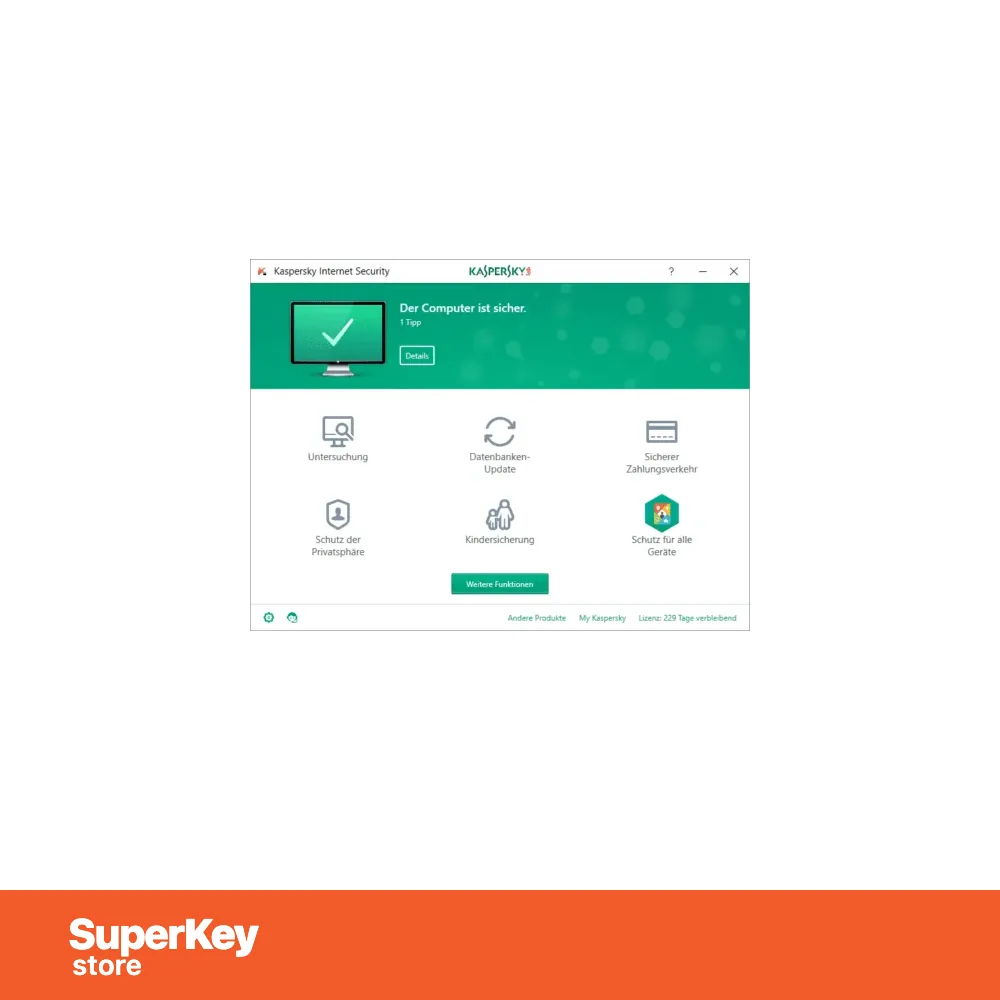
Kaspersky Internet Security protects PCs, Macs and Android devices against internet threats. It guards privacy, personal data and money during browsing, banking and shopping. It also helps parents protect children online. It is designed for families with several kinds of devices.
What are the main features of Kaspersky Internet Security?
The suite combines antivirus protection with tools for payments, passwords and children. The main features are:
- Antivirus: detects and removes viruses, malware and other threats.
- Safe Money: opens banking and shopping sites in a protected browser.
- Secure Keyboard: protects typed data against keyloggers.
- Password manager: stores login data in an encrypted vault.
- Kaspersky Safe Kids: filters content and limits screen time for children.
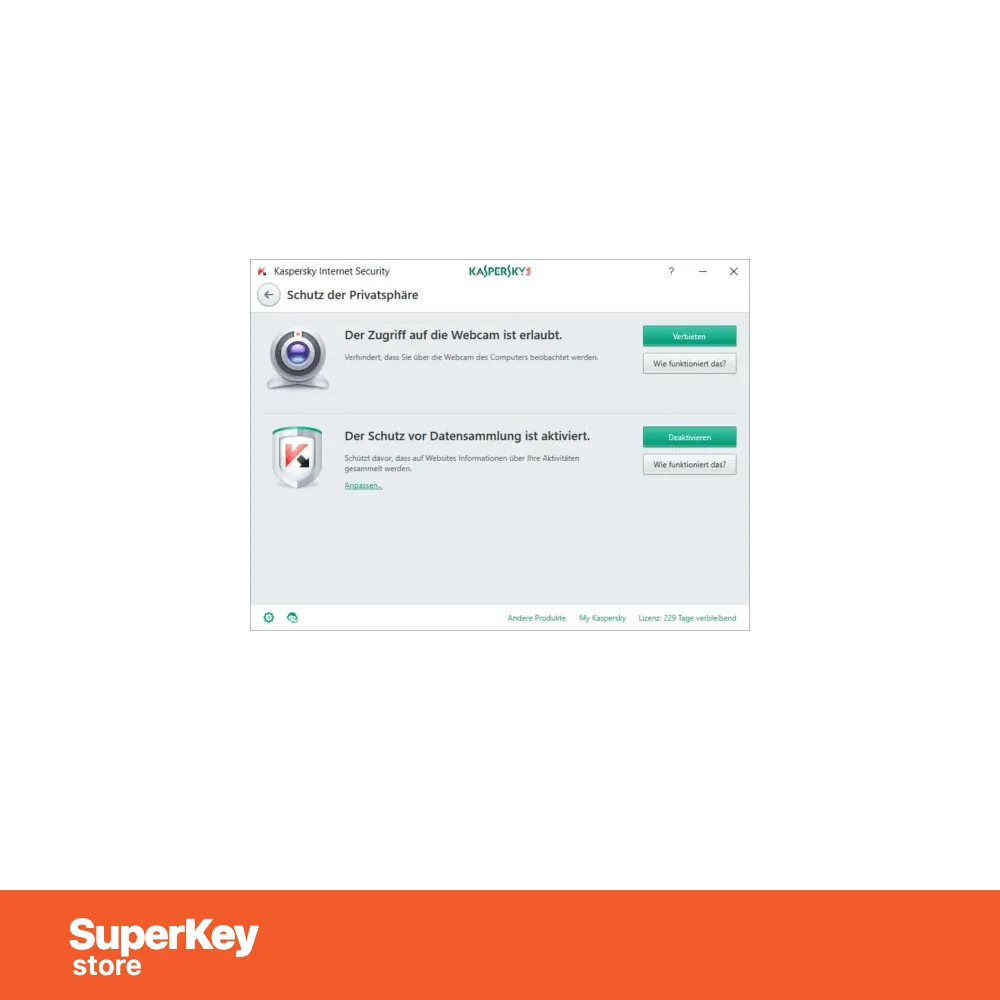
- Privacy protection: blocks online tracking and webcam access.
Which devices does Kaspersky Internet Security support?
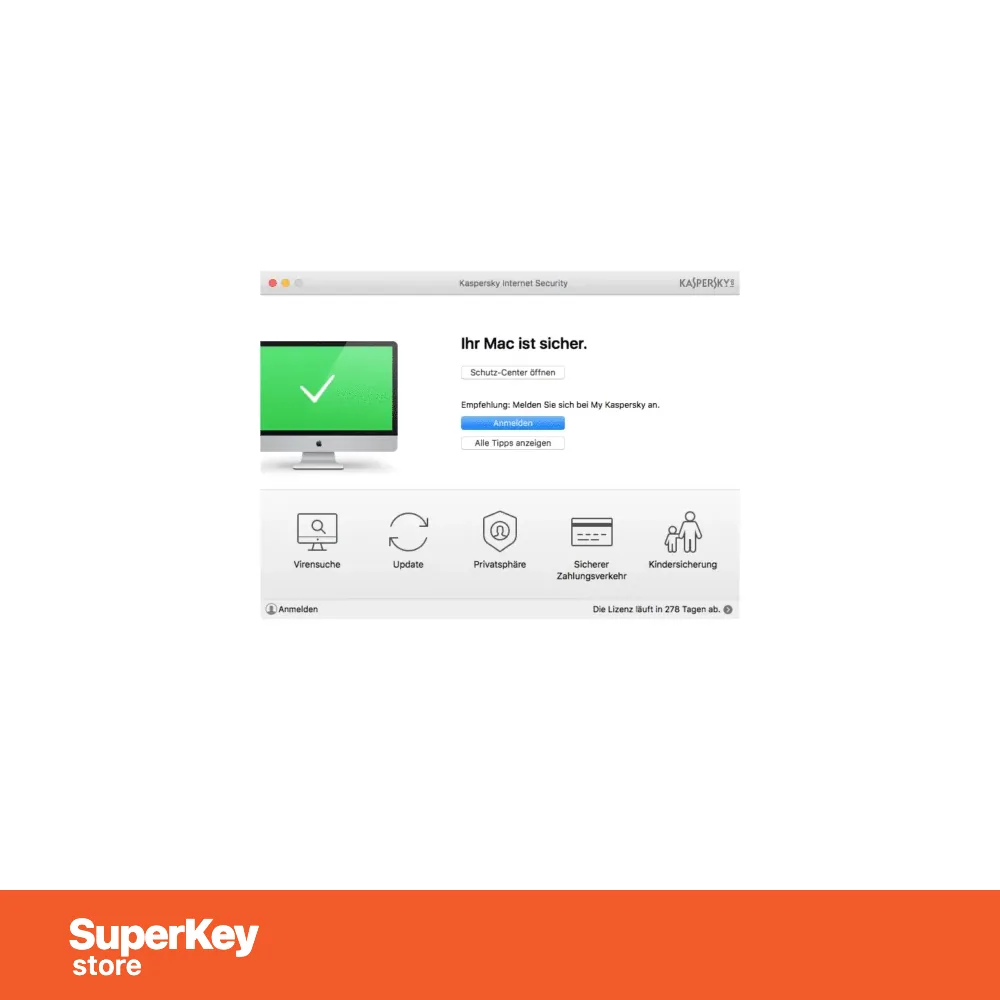
Kaspersky Internet Security runs on Windows, macOS and Android. One license protects the number of devices stated in the selected variant. A household can protect a family PC, a MacBook and Android phones with one product.
What is the difference between Internet Security and Total Security?
Total Security adds backup and file protection tools to the features of Internet Security. The table compares related Kaspersky products:
| Product | Main focus |
|---|---|
| Internet Security 2026 | Antivirus, payments, passwords and Safe Kids |
| Total Security 2026 | Adds backup and file encryption |
| Standard 2026 | Antivirus and performance tools |
Families who also want file backup can choose Kaspersky Total Security 2026 1-Device 1 Year. More products are in the Kaspersky category.
Why buy Kaspersky Internet Security 2026 from SuperKeyStore?
Buying Kaspersky Internet Security 2026 at SuperKeyStore includes:
- Original license: an original Kaspersky Internet Security 2026 license key, activated through Kaspersky’s official activation.
- Email delivery: the license key and the official download link arrive by email, usually within minutes of payment (some orders get a security check of up to 24 hours).
- Free technical support: our team helps by email with installation and activation ([email protected]).
- Replacement or refund: if the key does not work, you get a working key or your money back, as set out in our Refund Policy.
How do you redeem your Kaspersky Internet Security 2026 key?
You redeem the key in a few steps after the order email arrives. The redemption guide for Kaspersky Internet Security 2026 is:
- Go to the official Kaspersky website: my.kaspersky.com.
- Sign in to (or create) your My Kaspersky account, add your activation code under Subscriptions and download the app.
- Install the app on each device covered by your license and sign in with the same account.
Your key also stays in your order email and under My account.
System Requirements
| Operating system | Windows 11 or Windows 10 (32-bit and 64-bit) |
|---|---|
| Processor | 1 GHz or faster |
| Memory (RAM) | 2 GB |
| Hard disk | 2.5 GB of free space |
| Display | 1024 x 768 resolution or higher |
| Internet | Required for installation, activation and updates |
Download & Activation
Download Kaspersky Internet Security 2026 with SuperKeyStore
Buying Kaspersky Internet Security 2026 takes a minute: add it to your cart, pay through our secure, encrypted checkout and you receive your product key and the official download link by email, usually within minutes. Everything you need is in your order email, together with these instructions.
How to install and activate Kaspersky Internet Security 2026
- Go to the official Kaspersky website: my.kaspersky.com.
- Sign in to (or create) your My Kaspersky account, add your activation code under Subscriptions and download the app.
- Install the app on each device covered by your license and sign in with the same account.
Stuck at any step? Email [email protected] with your order number and a screenshot. Our support is free, and if a key does not work we send a replacement or refund you, as set out in our Refund Policy.
Why choose Kaspersky Internet Security 2026
Kaspersky Internet Security 2026 protects your devices against viruses, ransomware, phishing and other online threats, with real-time scanning and automatic updates for the whole license period.
More software at SuperKeyStore
Popular with this product: Windows 11 Pro, Microsoft 365 Personal, Office 2024 Professional Plus. Browse all antivirus software and money-saving bundles.
Digital delivery
All our products are delivered digitally by email: no shipping costs, no waiting for a parcel and no packaging waste. Your key is stored in your order email and, if you created one, in your account, so you can find it again at any time.
FAQ
How many devices does it cover?
1 device.
How long does the license run?
The period shown in the product name. Renew afterwards with a new key to stay protected.
Which devices are supported?
Windows 11 and Windows 10 PCs.
Can I add it to my existing subscription?
In most cases yes: sign in to your existing Kaspersky account and enter the new key to extend it. If you are unsure, contact us before buying.
Do I need to uninstall my current antivirus?
Yes, remove other antivirus programs first. Two security programs on one device can slow it down and conflict with each other.
How fast will I receive my key?
By email, usually within minutes of payment. Some orders go through a short security check that can take up to 24 hours. Please check your spam folder too.
What if my key does not work?
Email us your order number and a screenshot of the error. We send a replacement or refund you, as described in our Refund Policy.
More questions? See our FAQ, Refund Policy or contact us.
- Free supportBy email
- Instant deliveryKey in minutes
- Secure paymentsEncrypted checkout
- Genuine licensesOfficial activation
- Working-key guaranteeReplacement or refund




Reviews
There are no reviews yet.